
Create your first Revit macro in C# – Part 1
Revit macros are helpful tools that allow you to deal with repetitive tasks by automating them. So why don’t we use Dynamo or pyRevit for that purpose? Well, it is the intermediate step to develop your own plugins for Revit or Zero Touch nodes for Dynamo. Before you jump straight into the development pool, macros…
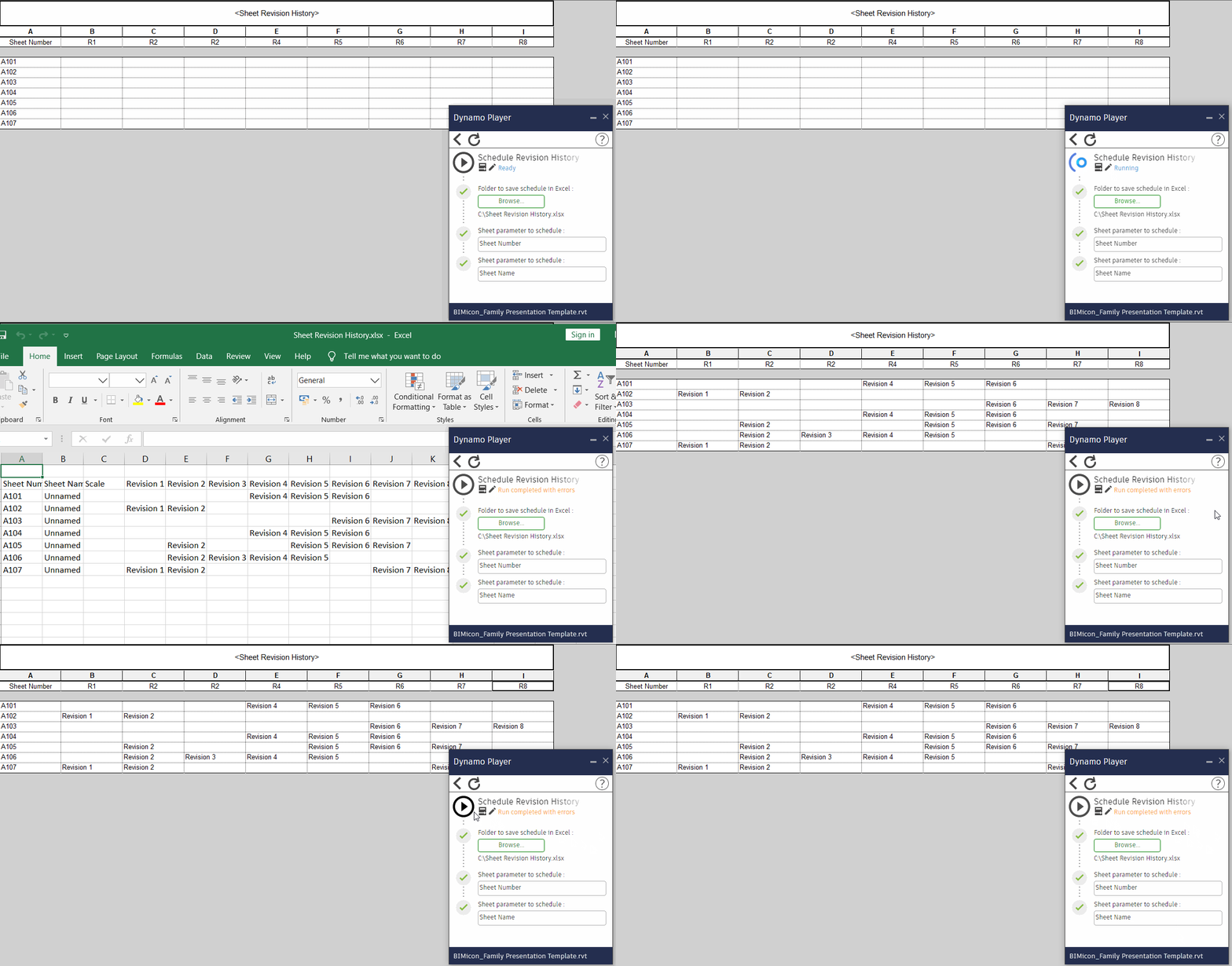
How to create a Schedule Revision History step-by-step
From time to time, it is necessary to check for all the revisions that a sheet has gone through. For example, when issuing drawing sets, it is quite useful to have in place a system that checks for all the revisions on sheets. Reviewing this schedule is a much easier task than going sheet by…
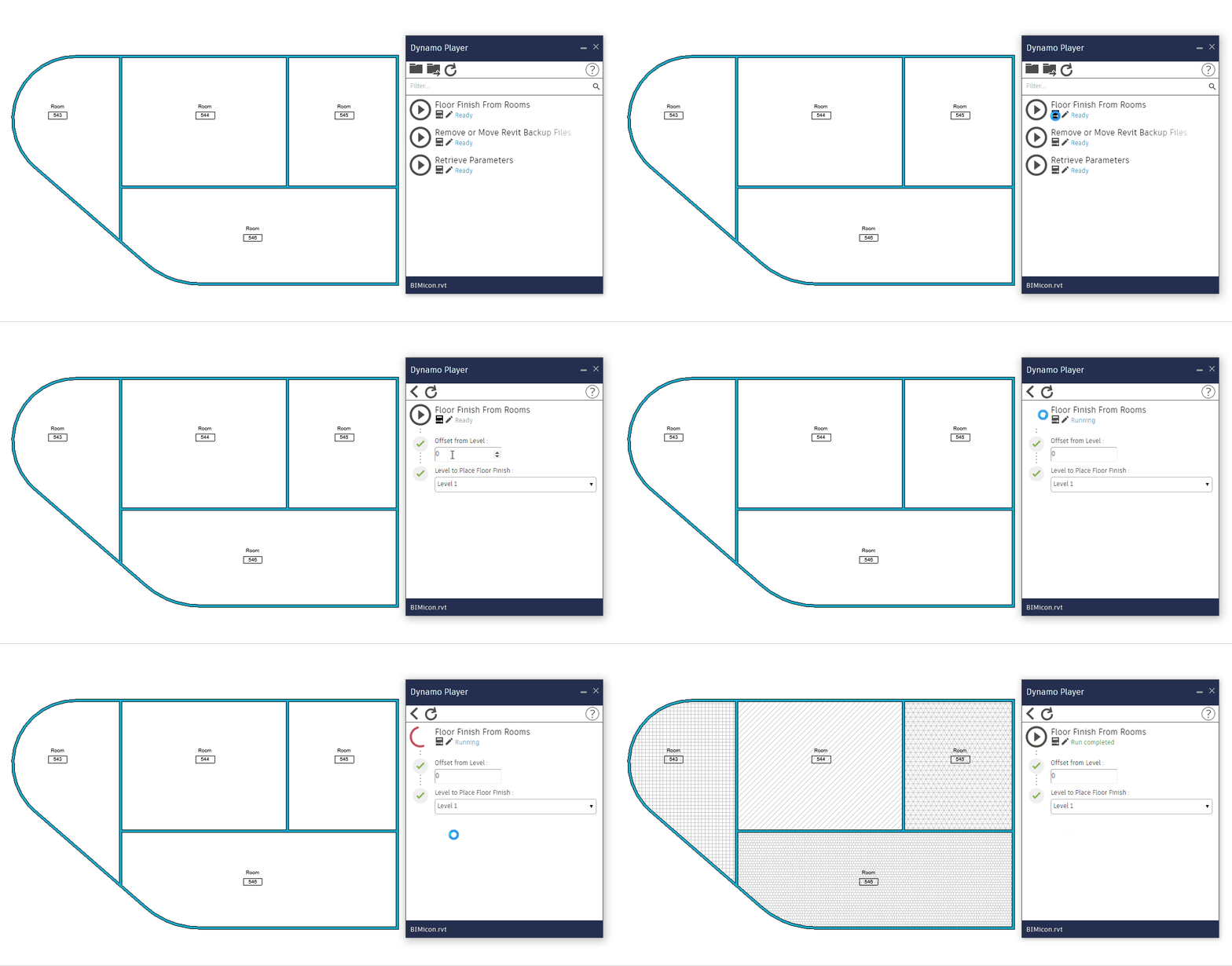
Create floor finishes from rooms (part 1)
Creating floor finishes is a task that can be automated easily and save us a huge amount of time. When room finishes are defined or embedded in a room’s parameter, it is nonsense to start modeling the floor finishes manually. So forget about modeling every floor for every floor finish that is in the project…
Join 600+ subscribers
Stay in the loop with everything you need to know.